
I wanted to use the VDC output of the C128 with 80 column mode. This article describes a simple circuit, which doesn't need a voltage supply. I tested it on a breadboard with some jumper wires:
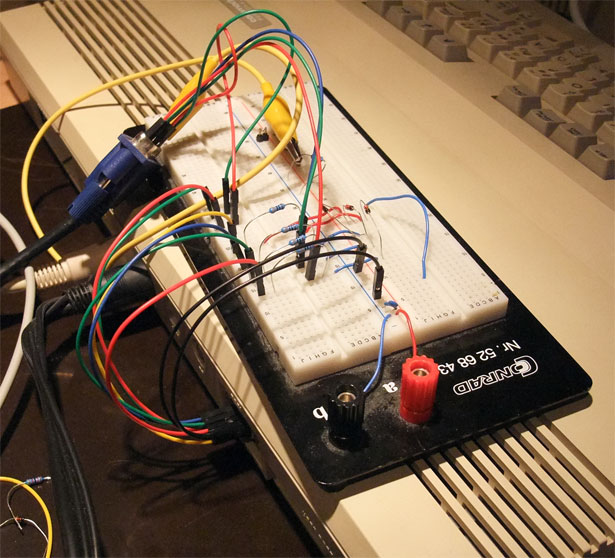
Works pretty well:
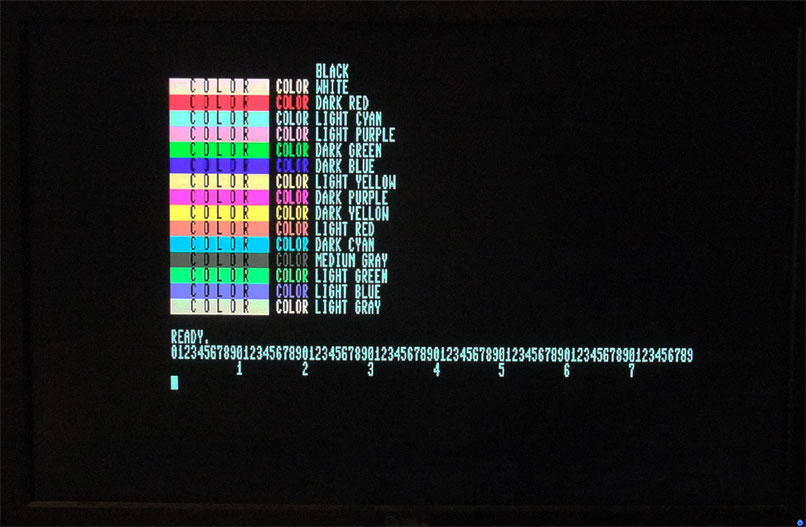
The TFT display is a Dell U2410. It doesn't work with all monitors, e.g. my Hyundai ImageQuest L17T says "frequency too high". I guess it means to low, because the HSync is just 15 kHz, which is not a standard VGA frequency. And it is very much shifted to the right, maybe the polarization of the HSync pulse is wrong. But I could shift it to the right with the OSD of the monitor, so that all 80 columns are visible on screen.
This is how it looks in VICE:
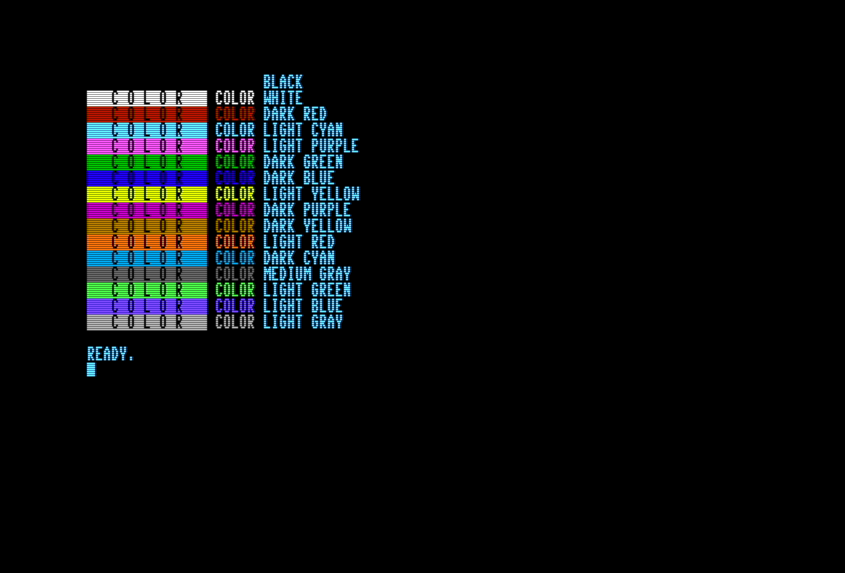
Except for "dark yellow" (the color names are from page 35 of the C128 Programmer's Reference Guide). The reason is that this is a special case and displayed as brown by CGA monitors.
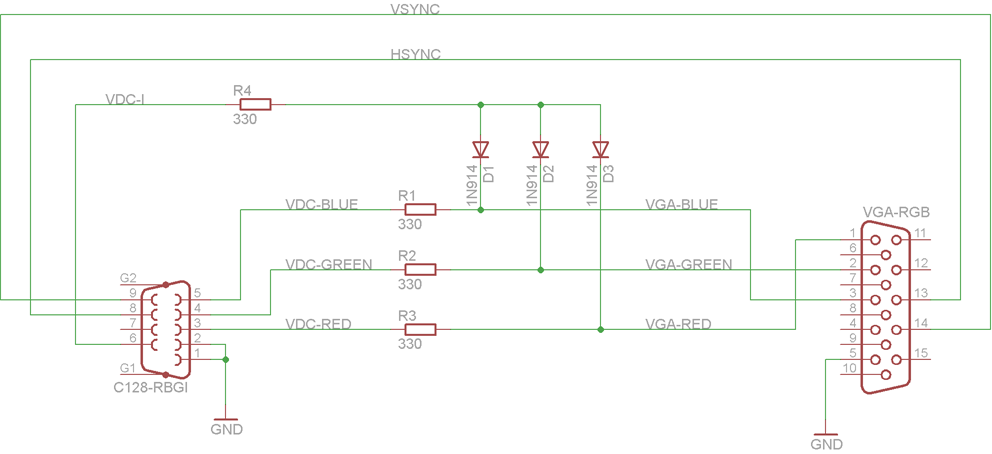
Compared to the original schematic I changed the resistors. 1k and 1.2k were to dark, I used 330 ohms for all resistors. And I didn't use the second row of diodes from the VGA output to the intensity, there were no difference with my monitor. This is the full modified schematic:
C128 color test program: color.prg
Source code:
10 PRINT CHR$(147);
20 FOR I=1 TO 16
30 READ C$
40 COLOR 5,I
50 PRINT CHR$(18)+"   C O L O R   "+CHR$(146)+" COLOR ";
60 COLOR 5,4
70 PRINT C$
80 NEXT
1000 DATA BLACK,WHITE,DARK RED,LIGHT CYAN
1010 DATA LIGHT PURPLE,DARK GREEN,DARK BLUE,LIGHT YELLOW
1020 DATA DARK PURPLE,DARK YELLOW,LIGHT RED,DARK CYAN
1030 DATA MEDIUM GRAY,LIGHT GREEN,LIGHT BLUE,LIGHT GRAY
2. Februar 2013